

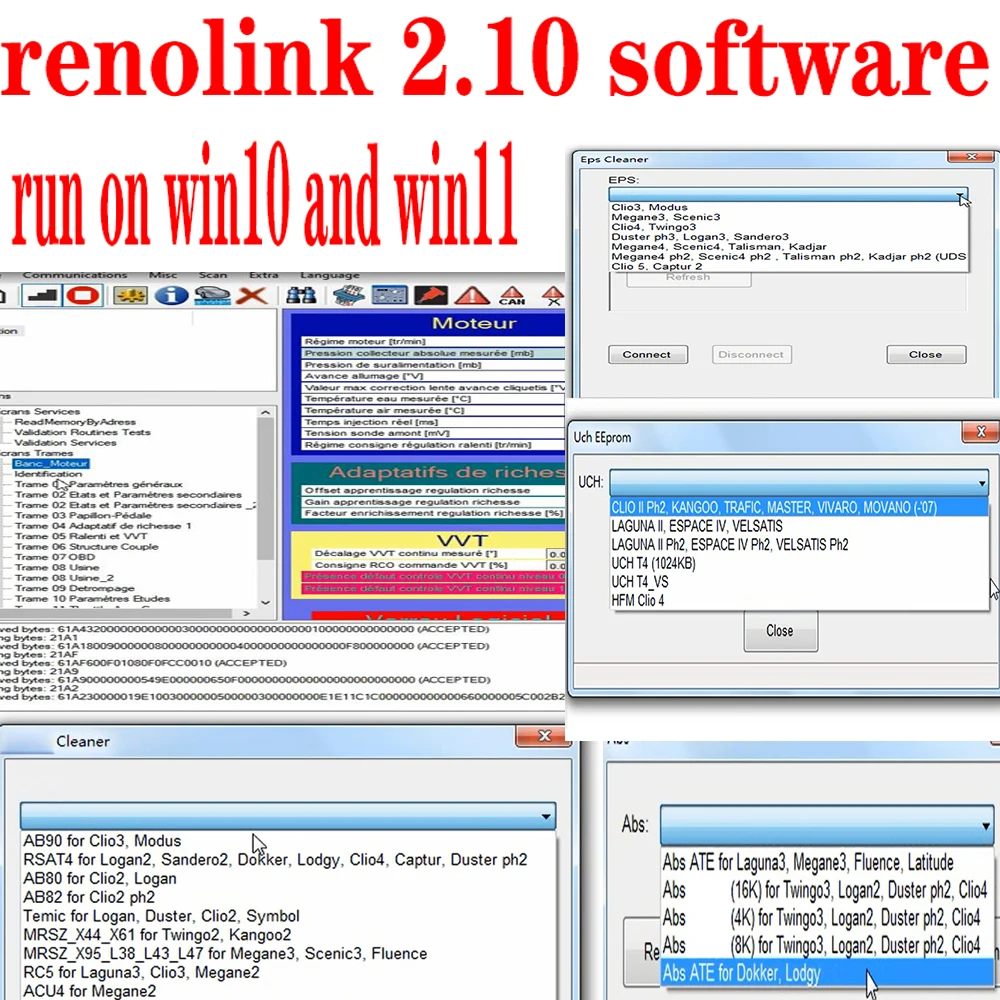

Renolink 2.11 with free remote installation and activation
Renolink 2.11 Software – ECU Programming Tool for Renault & Dacia
$34 $46
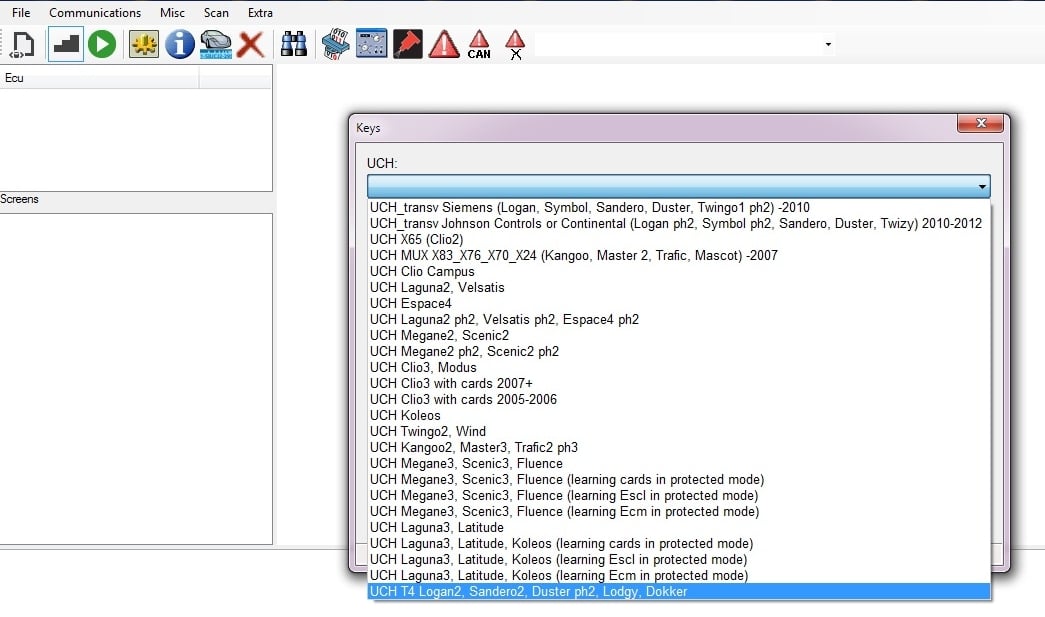
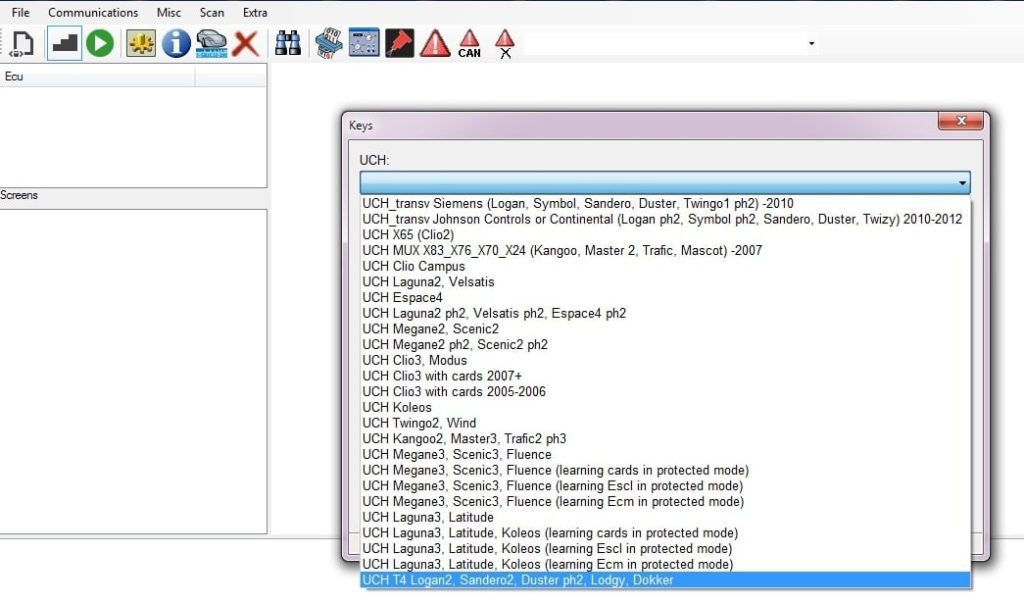
Renolink 2.11 is a specialized software designed for advanced diagnostics and programming of electronic control units (ECUs) in Renault, Nissan and Dacia vehicles. It enables functions such as key programming, airbag reset, UCH coding, and more, making it an essential tool for automotive professionals and enthusiasts.
You will receive the complete set of files, including the activation generator. The installation and activation process is demonstrated step-by-step in the included video guide. While the process is straightforward, it may be challenging for some users. Therefore, we offer free remote installation and activation via TeamViewer or AnyDesk.
Important: This package includes software only. You must already possess a compatible OBD2 cable. The software is compatible with both original and clone interfaces, including:
-
Red or blue PCB clone cables (old Renolink 1.87, 1.99, or other versions)
-
Original Renolink cables
This is the NEW fully activated version of Renolink, which includes ABS mileage correction and many new features, such as key programming for new Dacia models, and more.
🔧 Key Features:
-
Comprehensive ECU Functions: Read/write EEPROM and flash memory, reset ECUs, clear crash data, and program keys.
-
ABS Mileage Correction: New in versions 2.10 and 2.11, enabling reading and writing of mileage data in ABS modules for various models.
-
Wide Vehicle Compatibility: Supports a range of Renault and Dacia models, including newer vehicles.
-
User-Friendly Interface: Intuitive design for efficient navigation and operation.
-
Offline Operation: No internet connection required after activation.
💻 System Requirements:
-
Operating System: Compatible with Windows 10 and Windows 11 only.
-
OBD2 Interface: Requires a compatible OBD2 cable (not included). Supports both original and clone interfaces, such as:
-
OBDLink SX (Red PCB)
-
OBDLink EX
-
ELS27 with STN chip
-
Viaken ELM V3/V4 with STN chip
-
Note: Users must procure a compatible OBD2 cable separately. Search online for availability.
📦 What’s Included:
-
Renolink 2.11 Software Files
-
Activation Files
-
Step-by-Step Installation Video Guide
🛠️ Installation & Activation Support:
We offer free remote installation and activation via TeamViewer or AnyDesk. If you prefer to install the software yourself, please follow the provided video guide meticulously. Should you encounter any issues or require assistance, our support team is readily available.
-
Live Support or Email: [email protected]
Important: This is a software-only package. Ensure you have a compatible OBD2 cable before purchasing. For optimal performance, use the software on a clean Windows 10 or 11 system.




Add a review