

Xentry Diagnostic Software – Remote Installation & Activation Service + Vediamo + DAS + DTS Monaco
Price range: $29 through $111
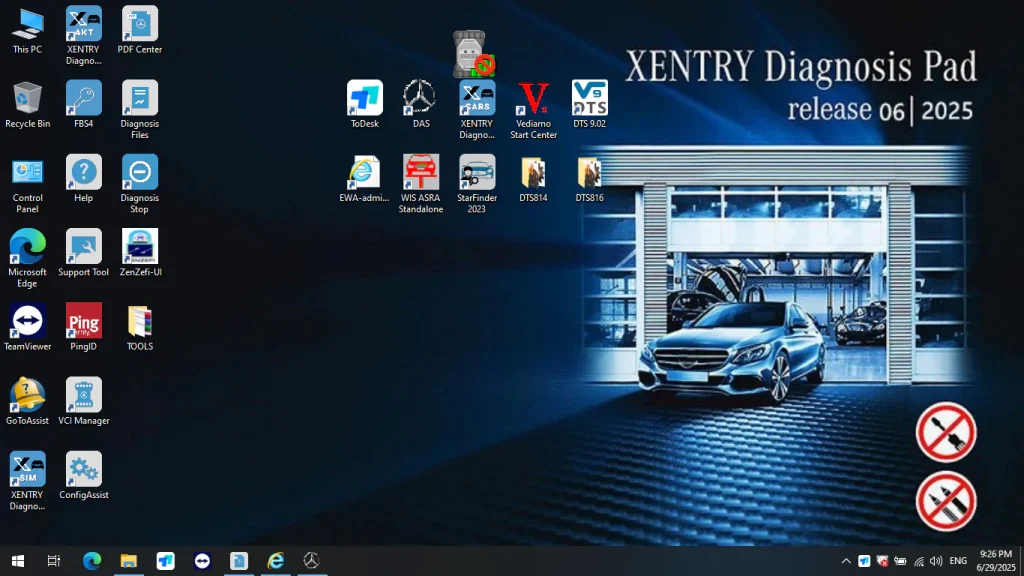
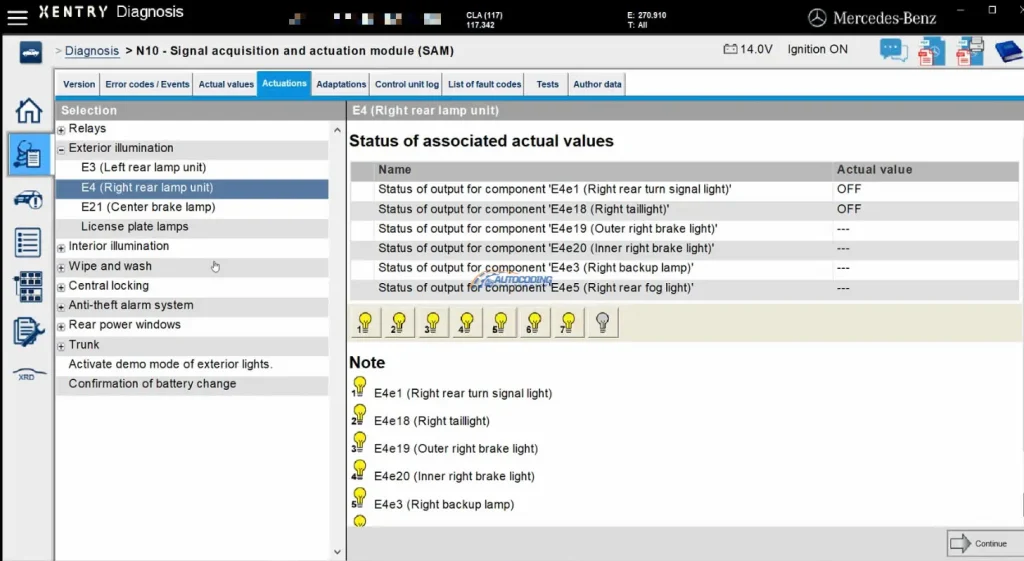
This is a complete remote (or self-install option) installation and activation service for Mercedes-Benz Xentry Diagnostic Software – Latest Final 2025 Version including VEDIAMO, MONACO, DAS and many more apps. If you choose remote installation please read terms in description.
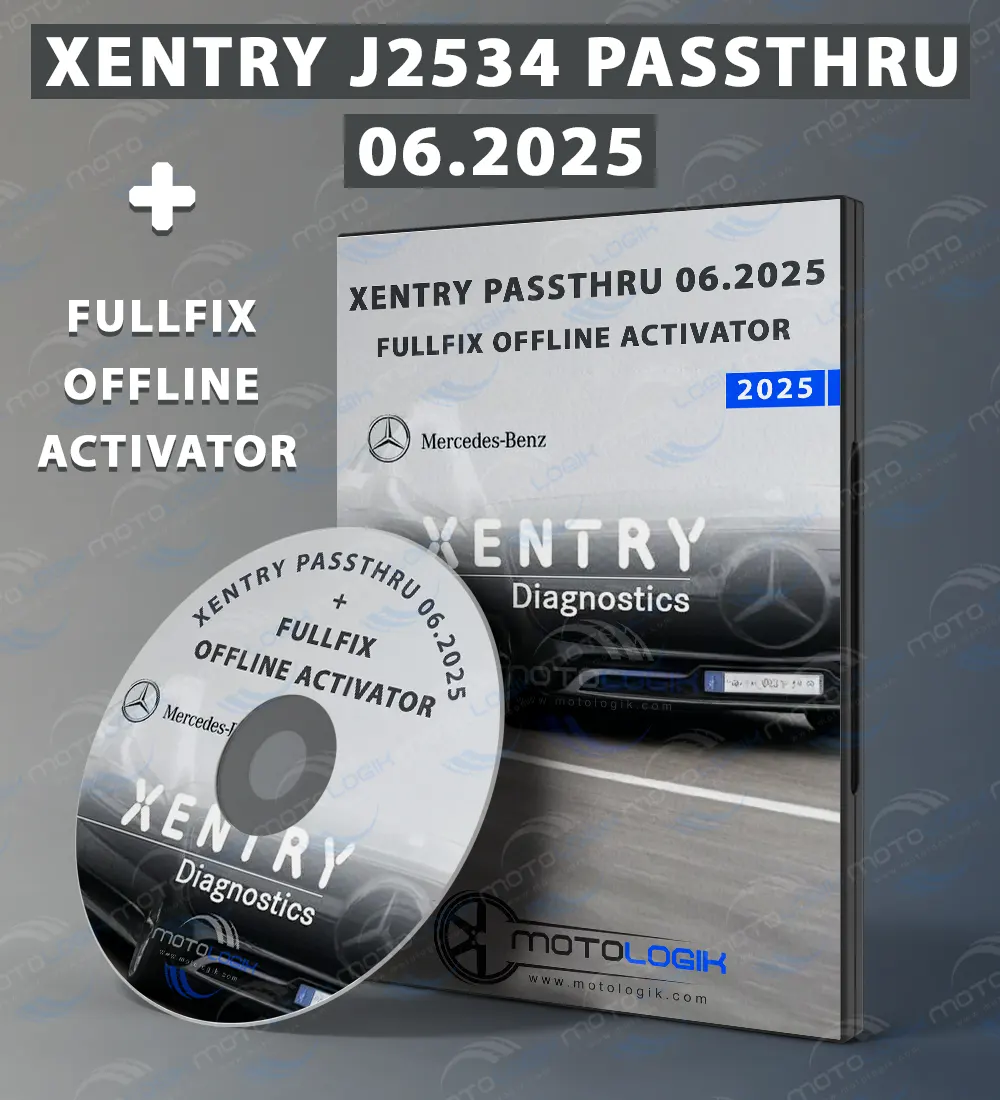
What is Xentry PassThru?
Xentry PassThru is a professional Mercedes-Benz diagnostic software that works with J2534 PassThru devices – industry-standard diagnostic interfaces that connect to your vehicle’s OBD-II port. This version is perfect if you already own or plan to purchase a J2534 compatible device.
Supported J2534 PassThru Devices:
The following devices are compatible and tested with Xentry PassThru:
- Tactrix Openport 2.0 (Original or China clone versions supported)
- Scanmatik 2 PRO (Original or China clone versions supported)
- VCX SE / VXDiag (Popular multi-brand diagnostic tool)
- VAS 5054A / VAS 6154 (Volkswagen Group diagnostic interfaces)
- Autel MaxiFlash J2534
- CarDAQ-Plus 3
- Toyota TIS Mini VCI
- AVDI (Abrites)
- Other standard SAE J2534 compliant devices
Note: CHECK IF YOUR DEVICE IS COMPATIBILE WITH XENTRY! We CAN also install needed drivers for your device but please keep in mind that always is better for device to be already installed with drivers which you got with your device. Tested passthru devices from us are scanmatik, openport 2.0 and VCX. Xentry PassThru is designed for CAN-protocol vehicles (2005 and newer Mercedes-Benz models). It does not support older K-line communication vehicles.
What is Xentry OpenShell (XDOS)?
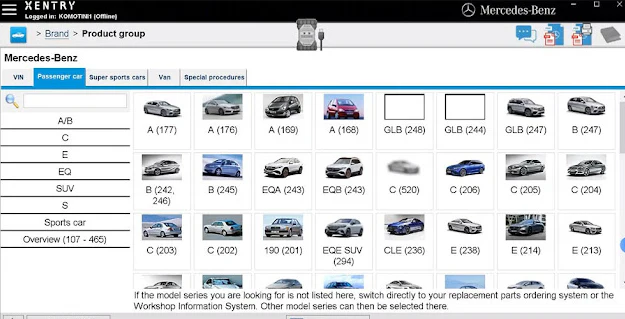
Xentry OpenShell (XDOS) is the full dealer-level diagnostic platform that works with official Mercedes-Benz multiplexer hardware and their clones. This is the same software used in authorized Mercedes-Benz dealerships and provides the most comprehensive diagnostic capabilities.
Supported OpenShell Devices:
- MB Star SDConnect C4 (Original and clone versions)
- MB Star SDConnect C5 (Original and clone versions)
- MB Star SDConnect C6 (Latest generation, original and clone)
- VXDiag VCX SE (with Benz C6 license)
- Mercedes ECOM (Official diagnostic interface)
Note: Xentry OpenShell supports both older K-line vehicles and modern CAN/DoIP vehicles, providing the widest vehicle coverage for Mercedes-Benz, Smart, and Maybach models.
What’s Included in This Service
Installation & Activation Package:
This is a professional installation and activation service for Xentry diagnostic software. You will receive a fully functional, activated system ready for professional diagnostics.
Software Version: Latest Final 2025 Release
Purchase Options:
When ordering, you can choose:
- Xentry PassThru (for J2534 devices)
- Xentry OpenShell (XDOS) (for C4/C5/C6 devices)
- With Remote Installation
- Without Remote Installation
If you buy files without remote installation you will get all files needed for installation, activation and use but you will have to do it yourself (for users that did it before and know how to do it), please do not contact support in case you fail installing and do not choose this option if you are not sure what to do. We do not provide video or text support on installation process.
Remote Installation Service Details
If You Choose Remote Installation:
After purchase, you will receive a download link. Here’s what happens next:
- Download the software to a folder on your desktop
- Contact our live support on our website or email [email protected] to schedule a remote installation appointment
- System Requirements Before Installation:
- Minimum 100GB free space on your hard drive (C: drive)
- AnyDesk remote software installed (download from anydesk.com)
- Stable internet connection
- Windows 10 or Windows 11 (64-bit recommended)
- During Installation:
- Leave your PC turned on at the scheduled time
- Grant remote access to our technician via AnyDesk
- Installation typically takes 2-4 hours depending on your internet speed and system
- The software package is large, and activation requires specific procedures
- Our technician will complete the entire process and ensure everything works correctly
- PassThru Device Driver Installation:
- We can install drivers for all major J2534 PassThru devices
- Important: It is recommended that you already have installed and tested the official drivers that came with your device before the remote session
- Having pre-installed drivers ensures smoother setup and compatibility testing
Complete Software Package Included
After installation, you will have access to the following professional tools and utilities:
Core Diagnostic Software:
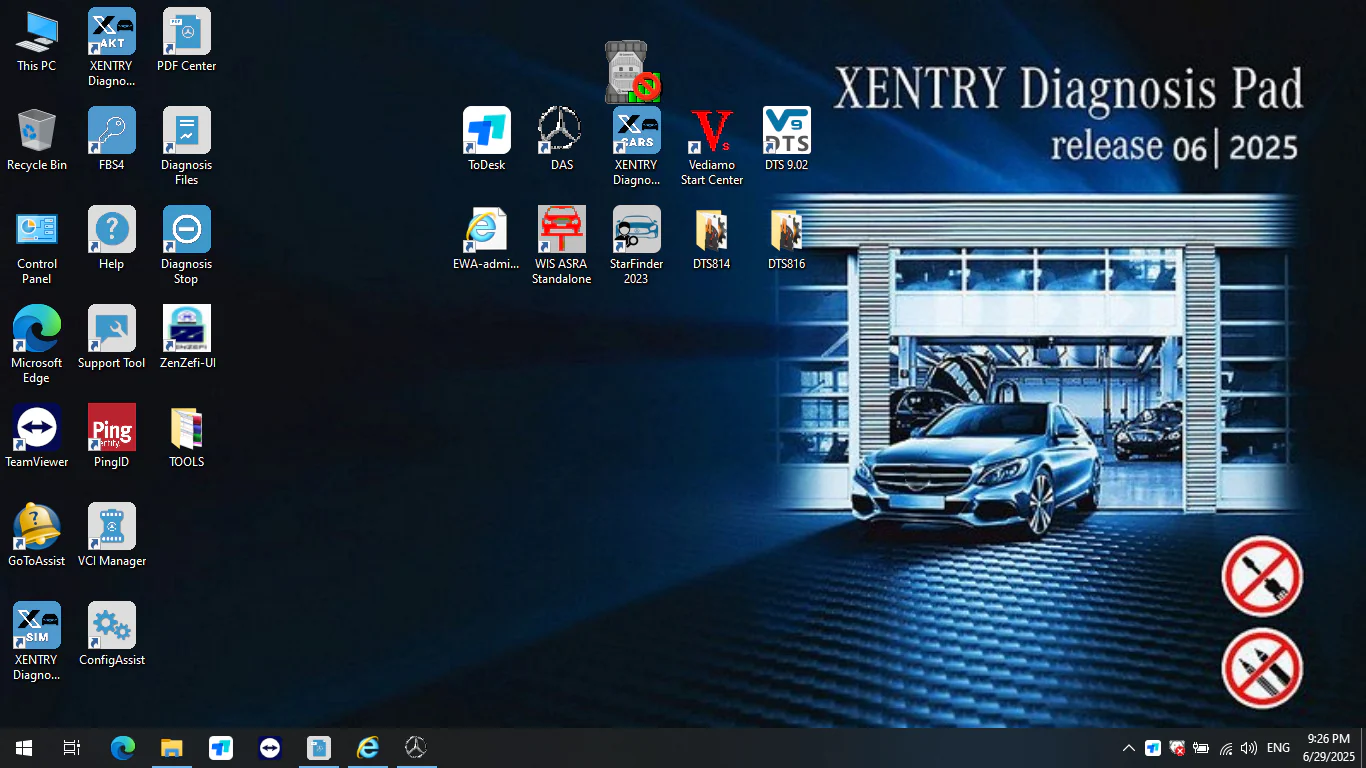
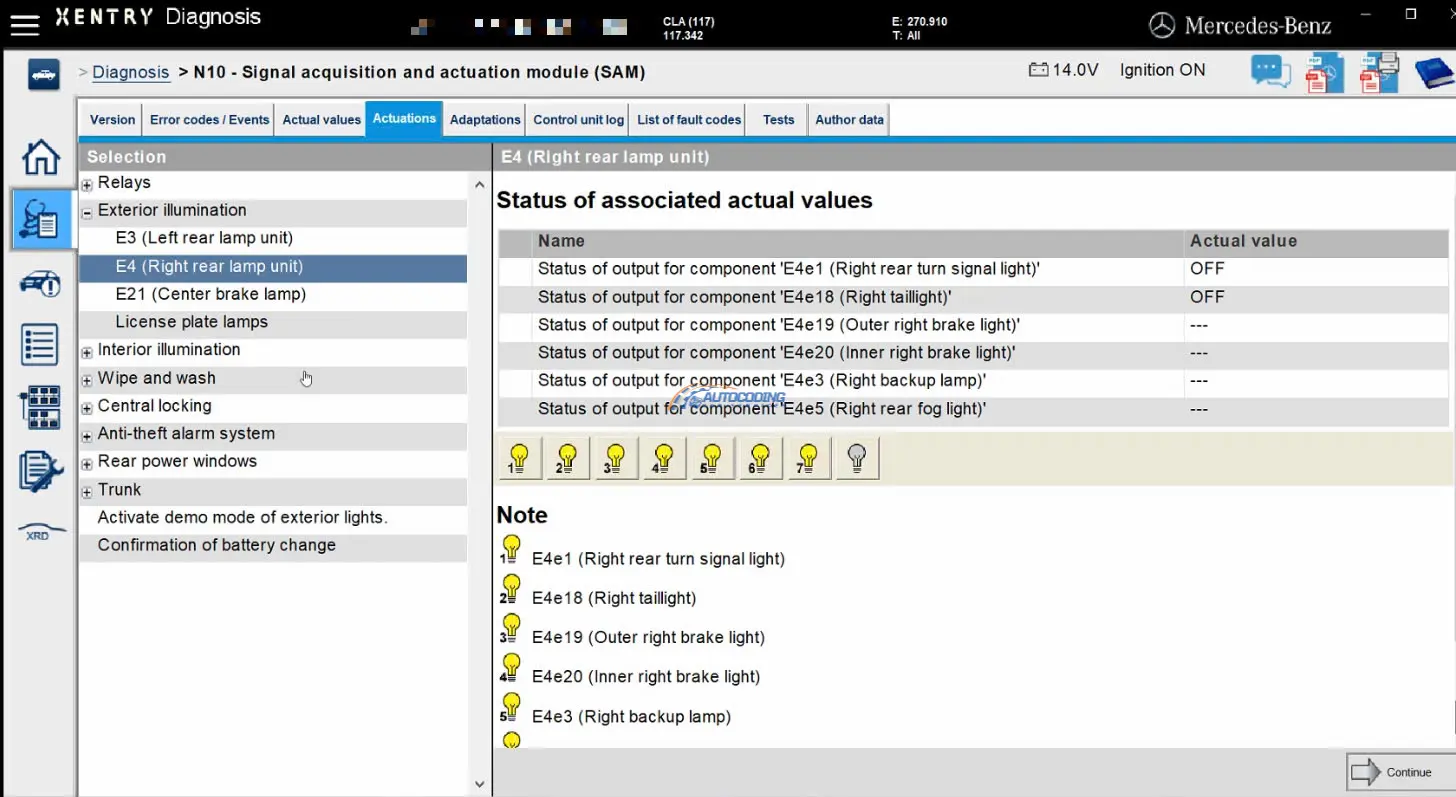
- Xentry Diagnostics – Full dealer-level diagnostics
- DAS (Diagnostic Assistance System) – Mercedes programming platform
- DAS Standalone & DAS Simulation with Error (18) fix by R00TR0w (modified by Samik)
- Vediamo 4.02.02 or Vediamo 5.01.01 – ECU configuration tool (easy activation by Samik)
- DTS Monaco 8.16 – Programming software with Blue Screen fix, dual activation methods, and VCX SE configs by Samik
- HHTWin by Azzatec (modified by Samik) – Handheld Tester for older models
Special Functions & Utilities:
- XENTRY Special Functions Keygen + FDOK Calculator (from Benjaminjai)
- DAS Special Functions & Password Bypass by pesona
- Prototype Support in DAS – Adding chassis codes 166, 197, 204, 207, and 212 (requires DAS Standalone)
- Offline Flash in DAS Standalone by pesona
- Ignition Enabler (for PassThru version use)
- 7G SCN by Samik – 7-speed transmission programming
Advanced Tools:
- SEED Calculator UnlockECU by jglim (modified by Samik)
- SeedCalc by R00TR0w – Additional seed calculator
- SW Finder v5.2 by necraxx (installer fixed and updated by Samik)
- VGSNAG2 Manager by sergeyklenov
- DiagnOSE DoIP Support for ENET cable with XDOS (works with XDOS 09/21 and newer) by benjaminjai
Device Drivers & Support:
- Openport 2.0 drivers – Official and China clone versions
- Scanmatik drivers – Official version
- VX Manager – VXDiag device management software
Documentation & Resources:
- WIS (Workshop Information System) 2021 – Launch from Xentry OpenShell (through 09.2024)
- Complete installation guides
- Activation instructions
- Troubleshooting documentation
Why Choose Our Service?
✅ Latest 2025 Software – Most current diagnostic platform
✅ Professional Installation – Experienced technicians handle everything
✅ Fully Activated – No trial periods or limitations
✅ Complete Package – All essential tools and utilities included
✅ Technical Support – Assistance available via live chat or email
✅ Flexible Options – Choose remote installation or self-install
✅ Device Compatibility – Supports both J2534 and SDConnect hardware
Technical Support
Need help or have questions?
- Live Support: Available on our website (bottom right corner – Europe working time)
- Email Support: [email protected]
- Installation Scheduling: Contact us to arrange your remote session
Important Notes
- This software is for professional diagnostic and repair use
- Ensure you have adequate hard drive space before installation
- Remote installation requires AnyDesk and stable internet connection
- For PassThru version: Pre-install your device drivers for best results
- Installation time varies based on system performance and internet speed
| Download Type | Xentry Passthru Without Remote Installation, Xentry Passthru WITH Remote Installation, Xentry Openshell Without Remote Installation, Xentry Openshell WITH Remote Installation |
|---|




There are no reviews yet.